PCG: Road, Forest and Vehicle
A terrain-based procedural road generation toolchain: Houdini cost-field pathfinding + UE5 spline editing tools + automatic terrain materials, showcased with UE's native racing system.
Role
Technical Designer (Tools)
Engine
Houdini + UE5
Team
Solo project
Duration
Oct 2024
Background & Goals
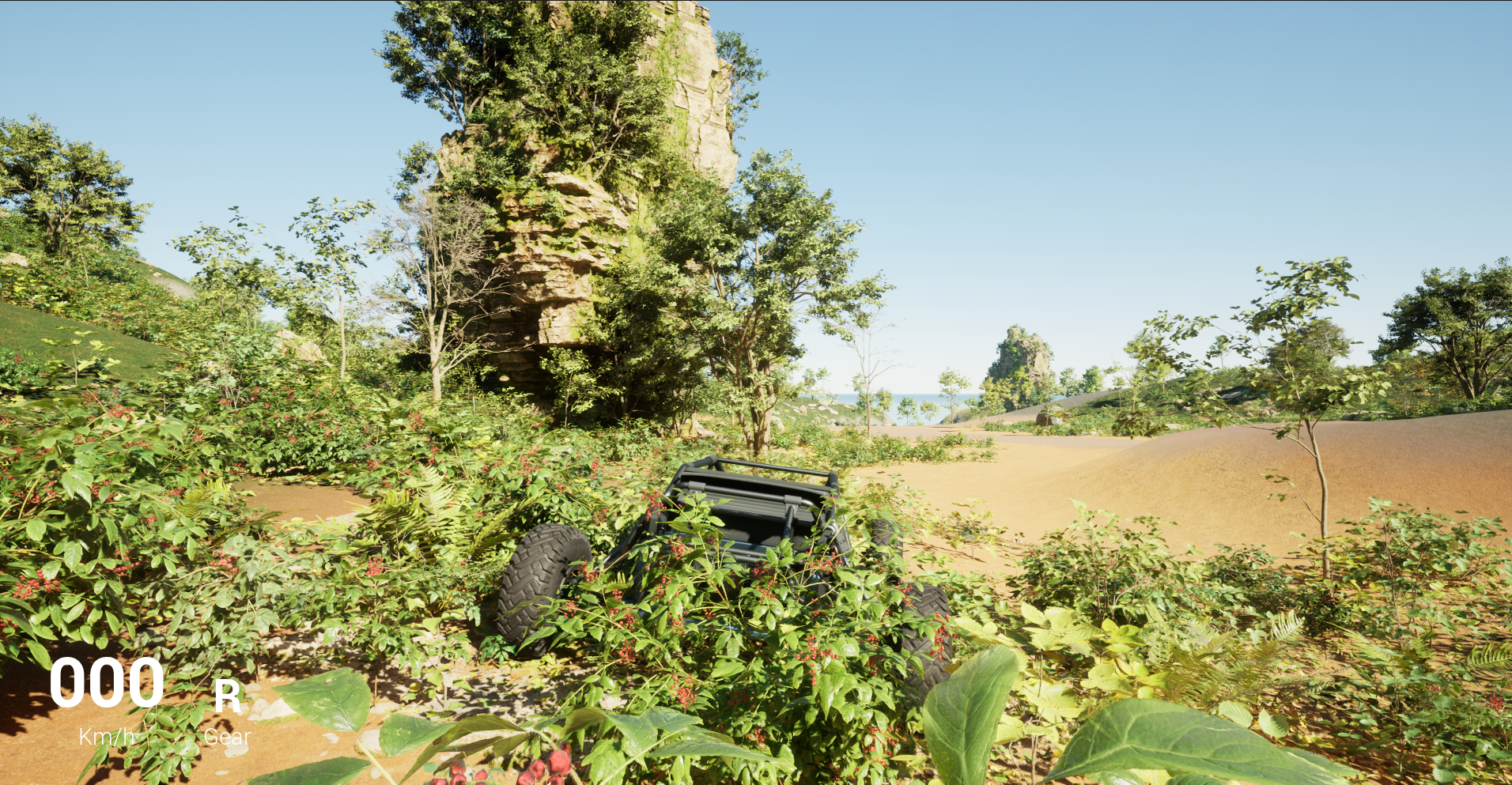
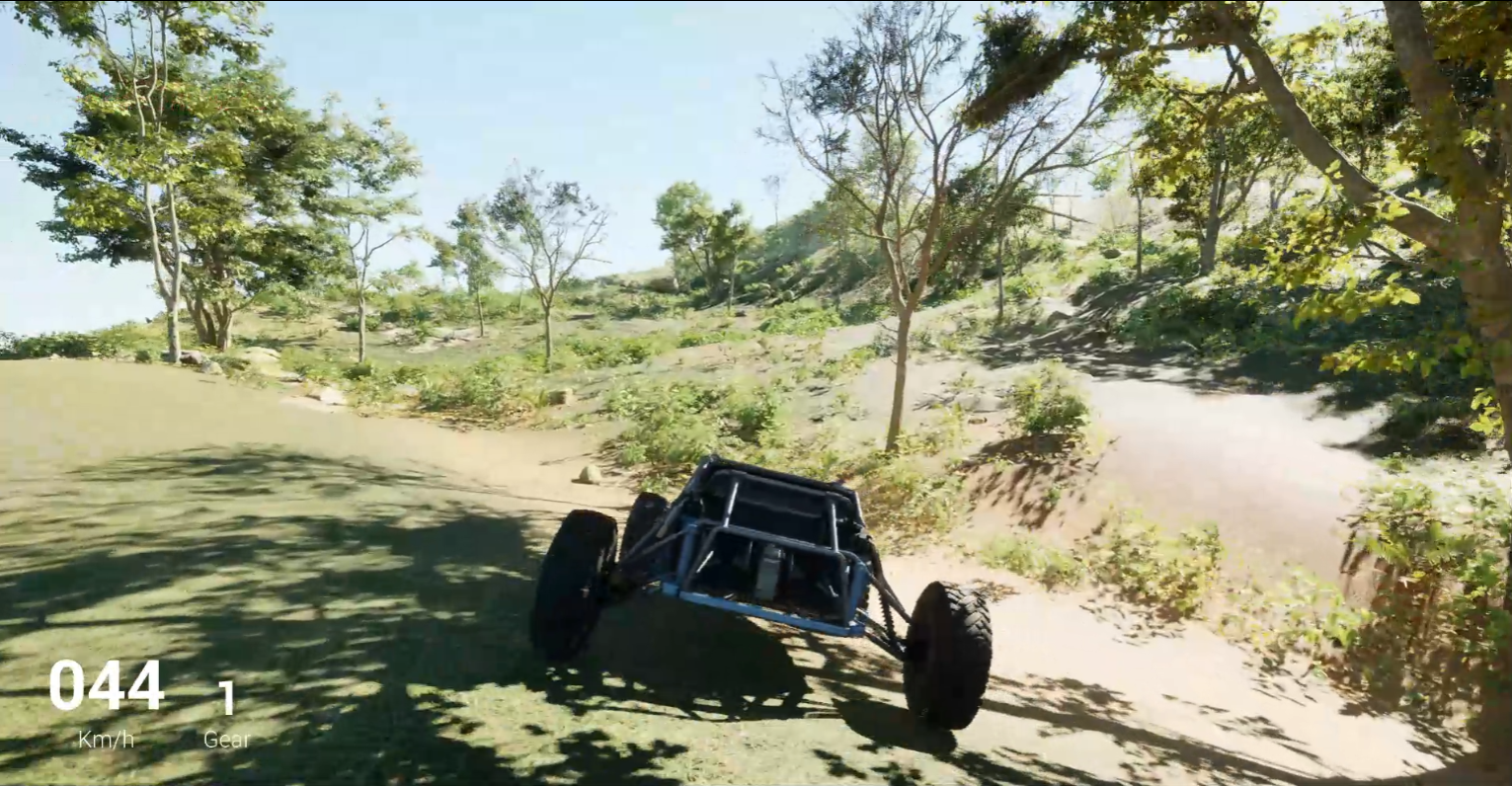
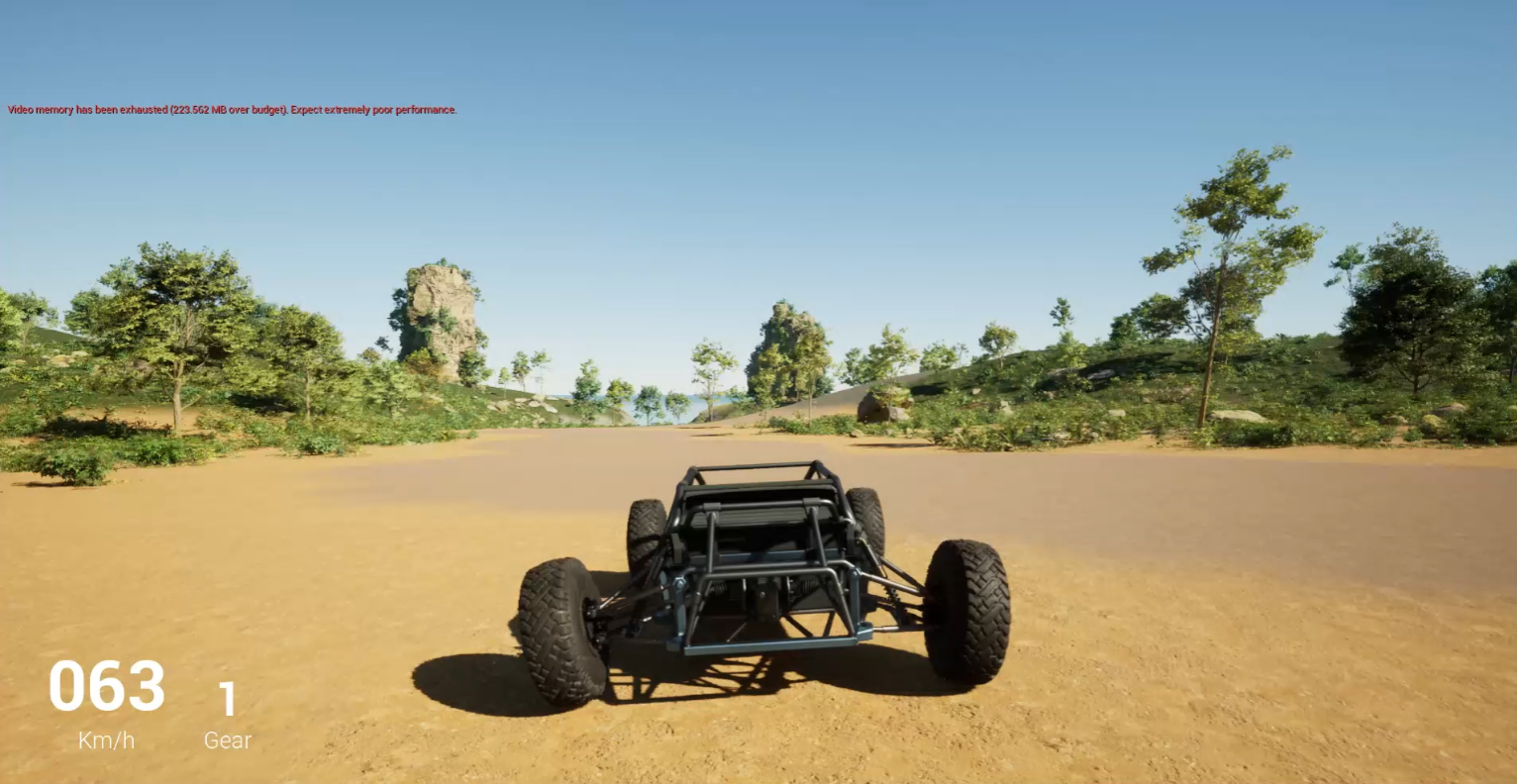
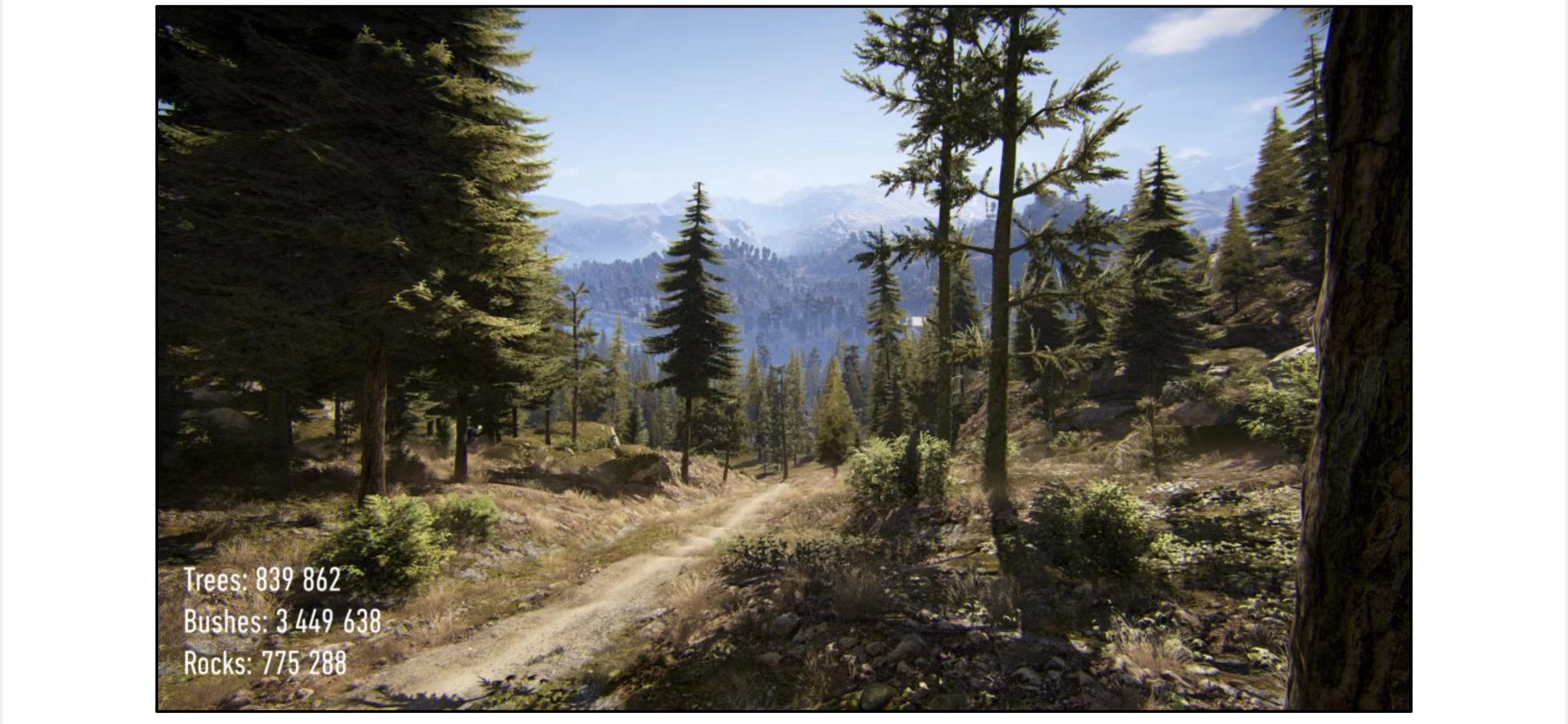
Procedural generation is widely used in both large open-world games and indie titles, so I set out to make it part of my portfolio and a key area of future research. This project focuses on terrain-based procedural road generation. To enhance the visuals, it uses terrain-driven material assignment and node editing inspired by Electric Dream, with Unreal Engine's native racing system integrated to showcase the final result.

Pathfinding in Houdini
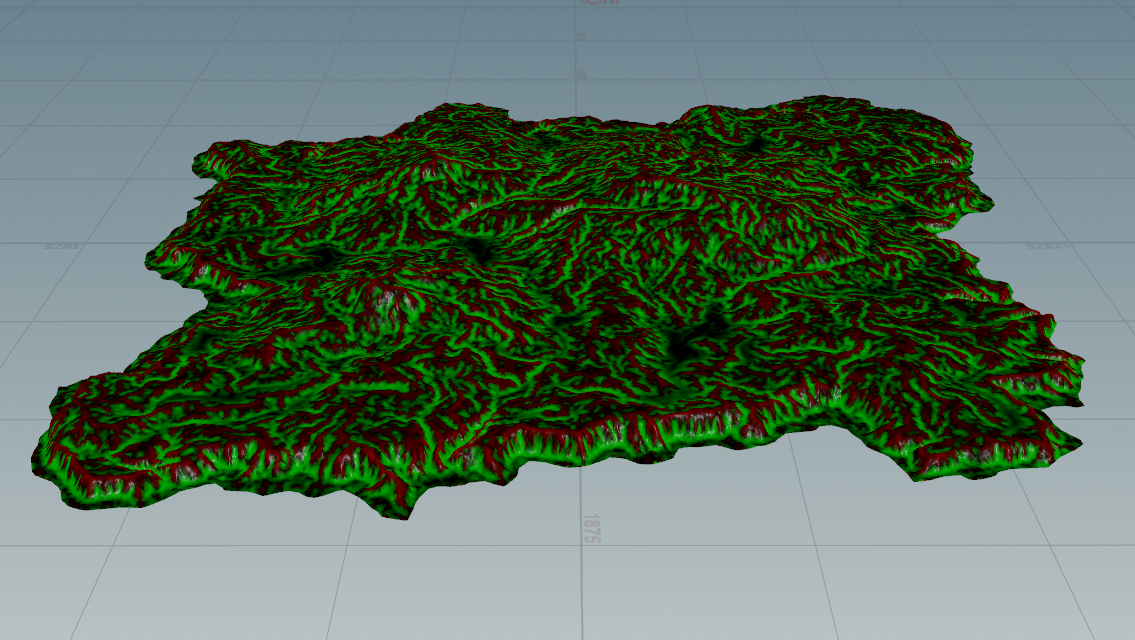
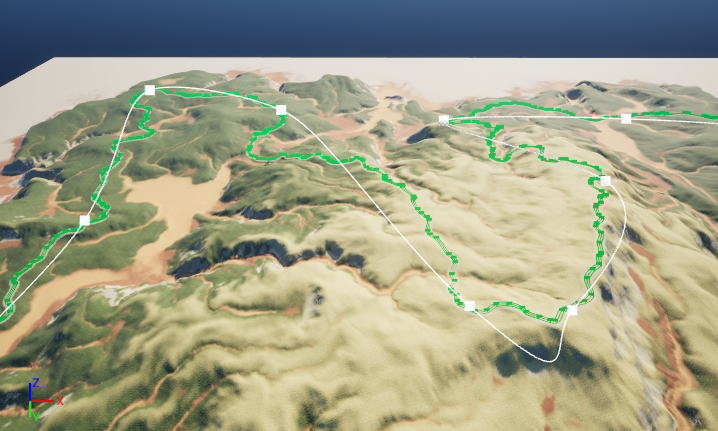
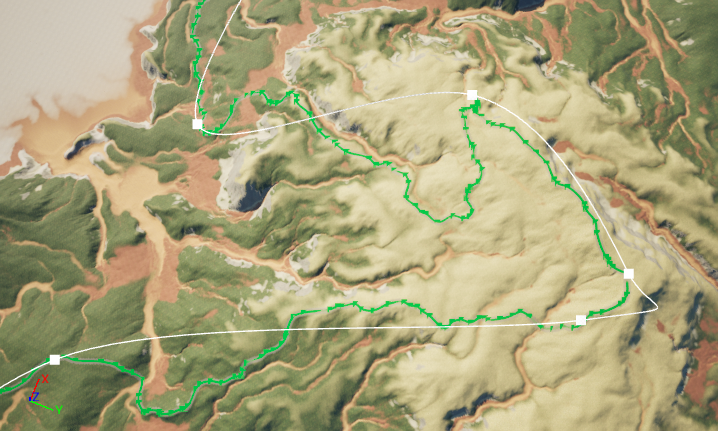
Cost field design — every terrain point is weighted by multiple factors, and paths generate along low-cost regions:
- Slope cost: using each mesh point's normal unit vector, the dot product (negatively correlated with slope) yields higher cost for steeper areas
- Ascend / Descend cost: surface slope at each point is computed from lines to adjacent points (a calculus-based approach); steeper points cost more
- Convexity / Concavity cost: the
measure_curvaturenode separates convex from concave regions — rivers form where concavity is high, animal trails where slopes are gentle - User attribute / Slump cost:
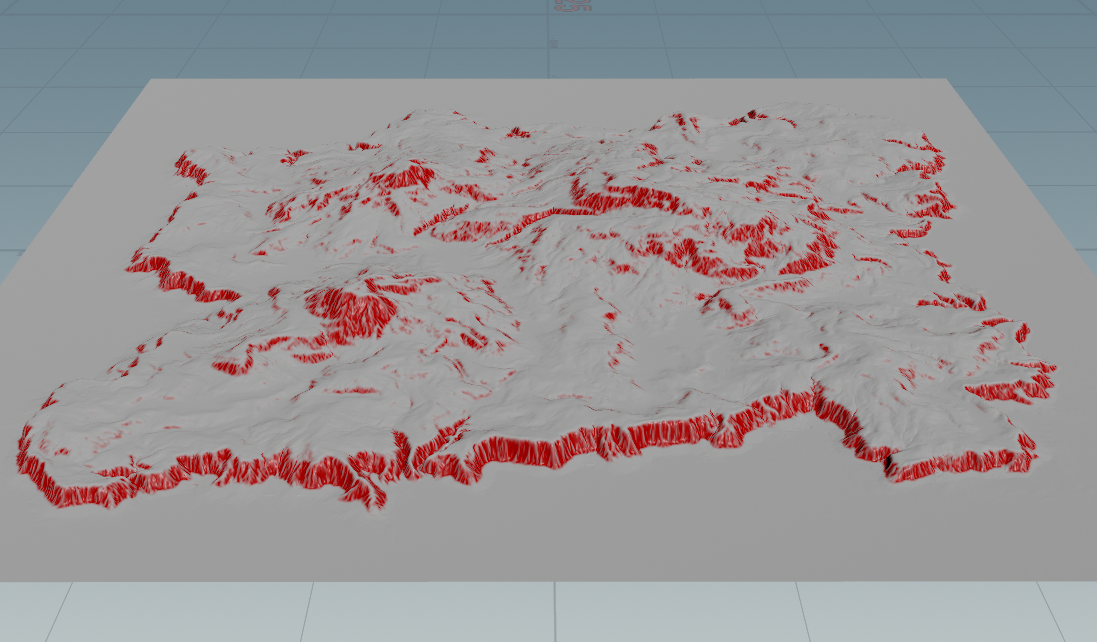
heightfield_maskbyfeatureclassifies points above a slope threshold as cliffs
Remesh optimization: Houdini's built-in Remesh node caused excessive overhead when the heightmap was finely divided. A Custom Mesh node triangulating the heightfield gave more controlled density and significantly reduced computation time.
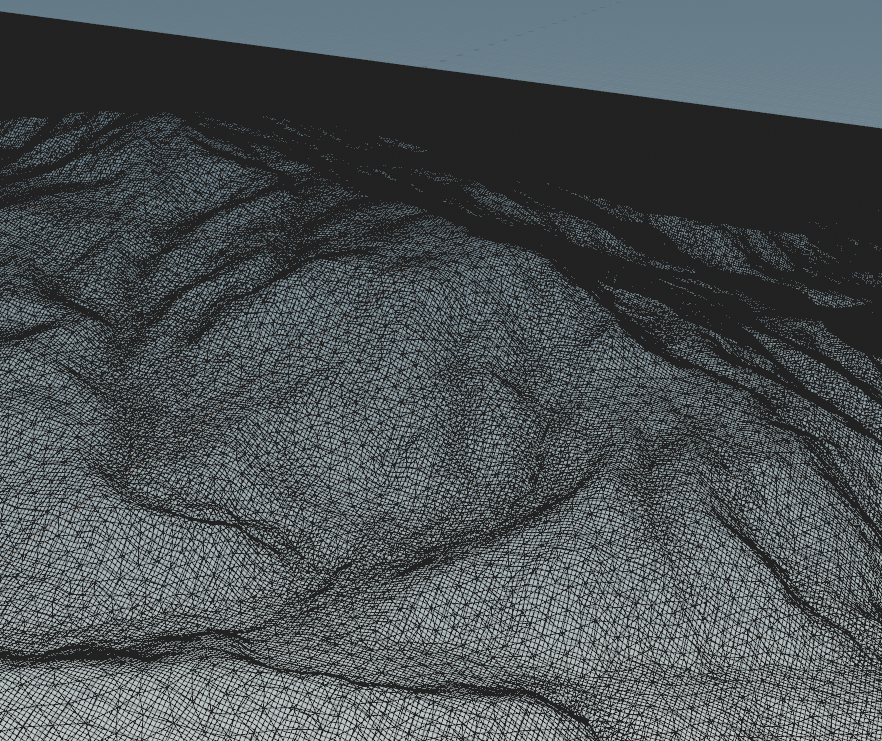
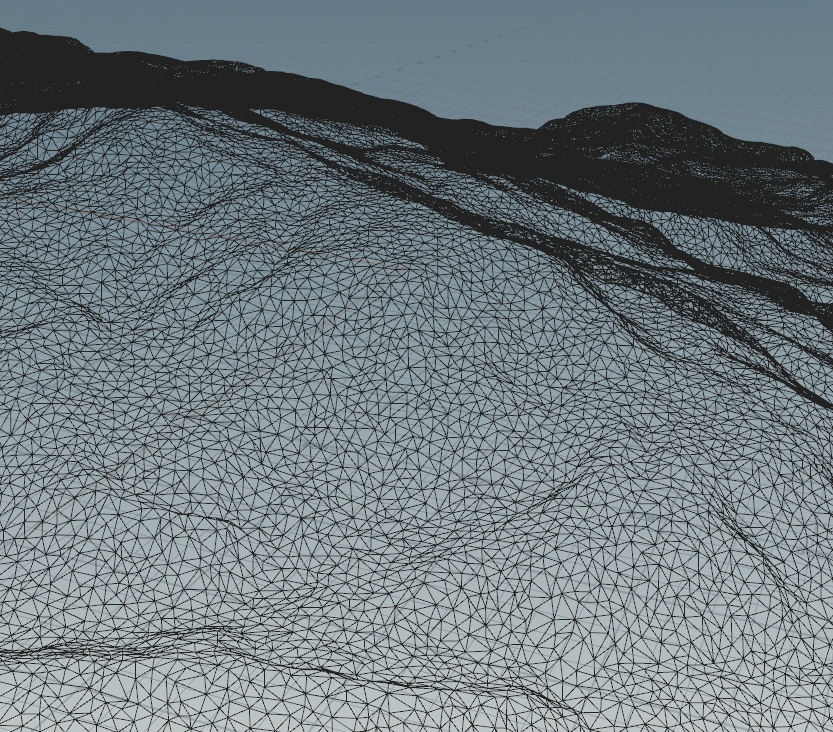
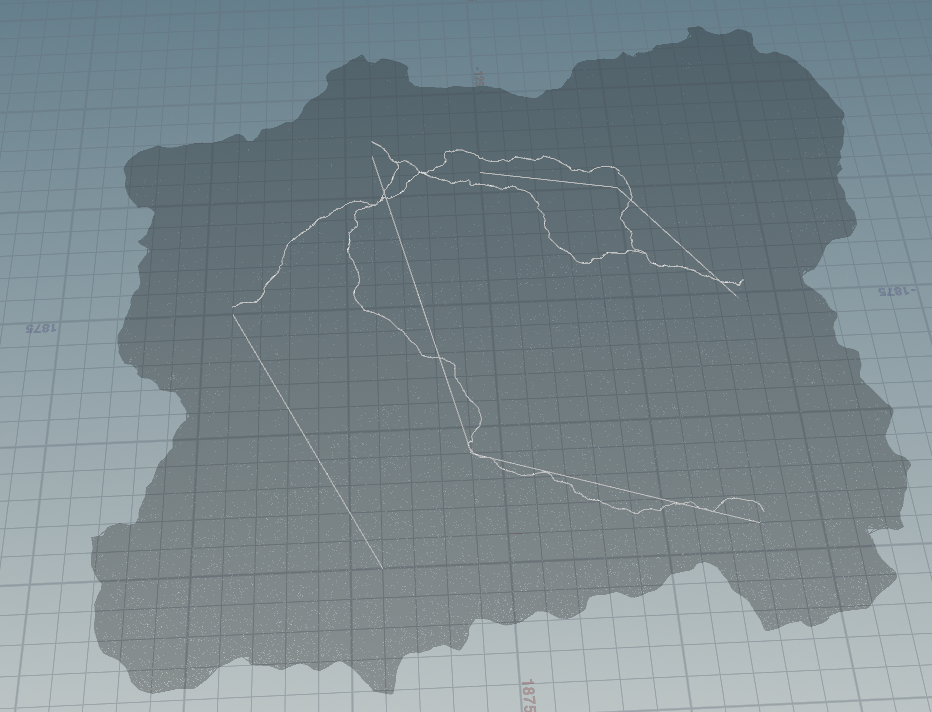
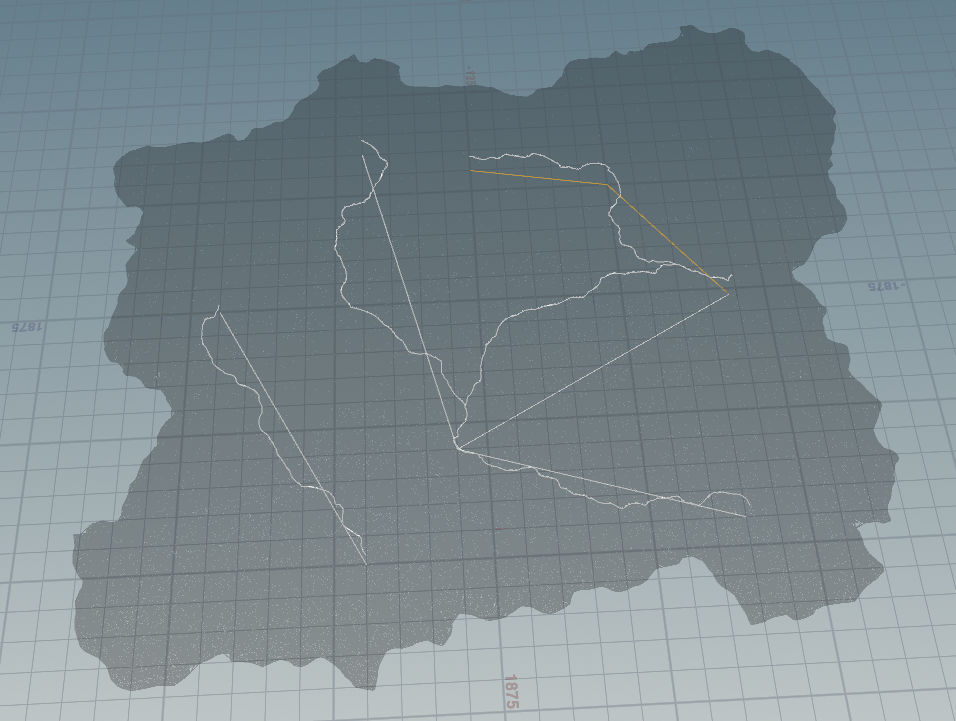
Spline serialization: supports multiple start points and destinations, allowing several disconnected paths.
Spline Editing Tools in Unreal
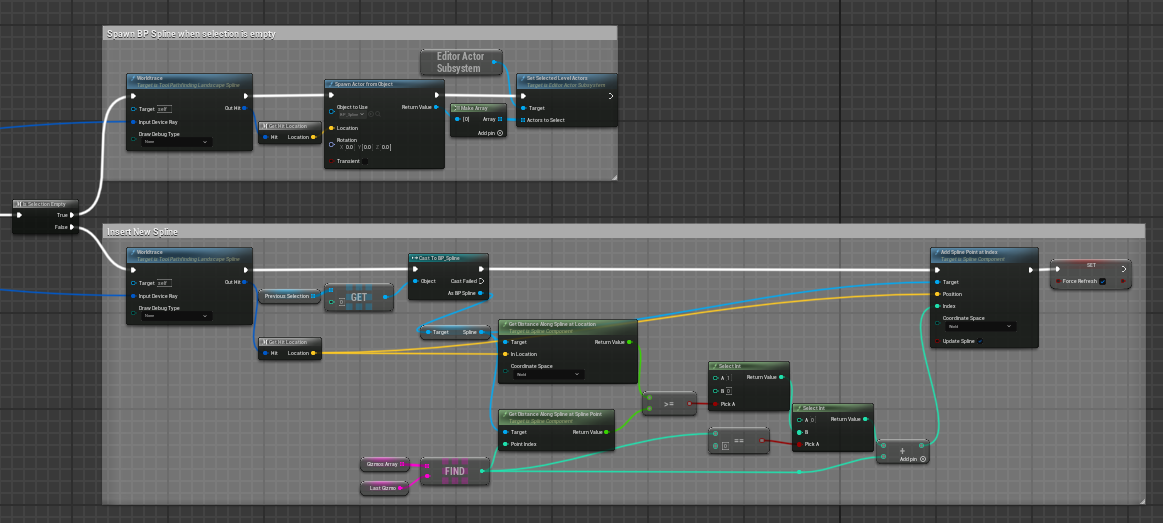
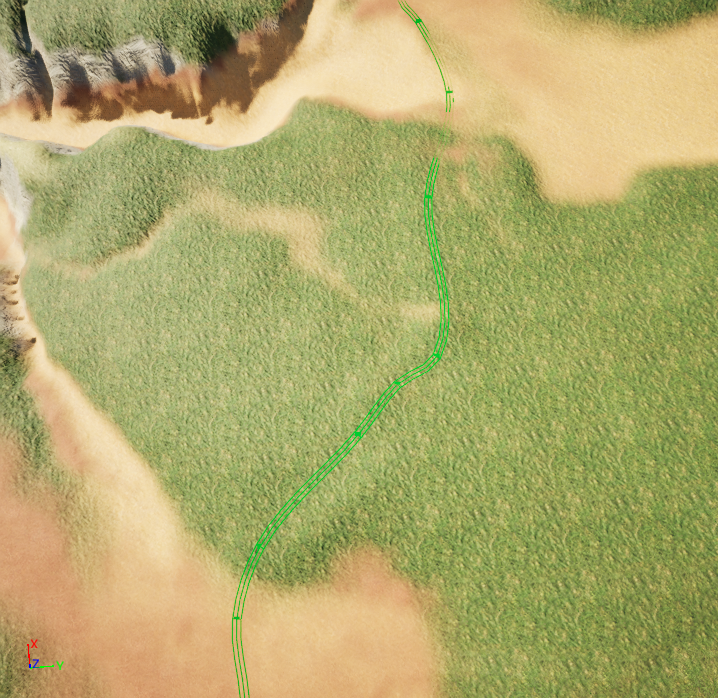
Via the Public API, the tool instantiates a Houdini actor in Unreal, retrieves parameters and triggers a recook — a full "delete original path, recook new path" editing loop:
- Left click creates a new spline point or inserts one into a segment; Ctrl + left click deletes the selected point
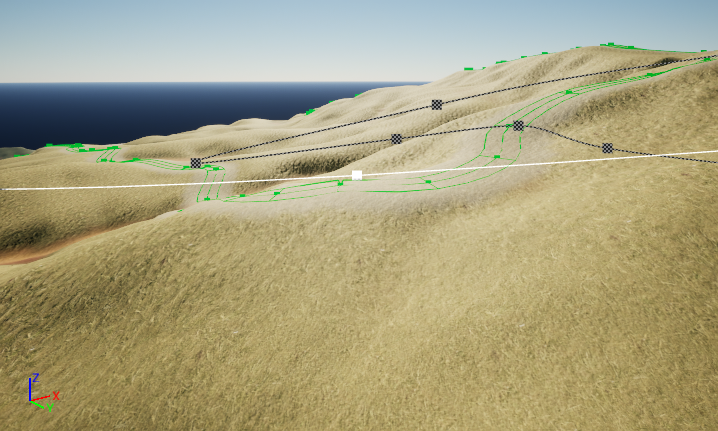
- A Gizmo is created for each spline for direct in-editor adjustment
- Worldtrace (custom function): keeps points anchored to the ground while dragging
- Snap to Ground (custom function): snaps spline points to the terrain on recook
Automatic Landscape Material
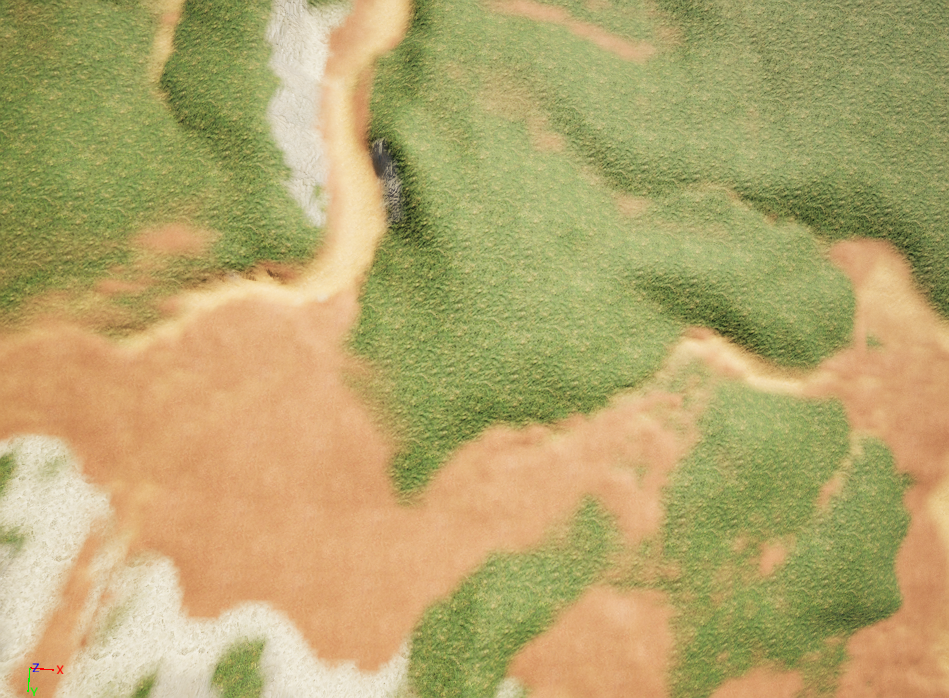
Terrain mask data from Houdini drives a landscape layer array in Unreal, assigning materials in order and staying compatible with the path tool (paint layer parameters for man-made roads, animal paths, rivers, etc. are exposed in Houdini). Visual optimization: tile density decreases as the camera approaches the ground and texture density increases in the distance to reduce repetition (fade distance 1000 vs 5000).
Electric Dream PCG Node Editing
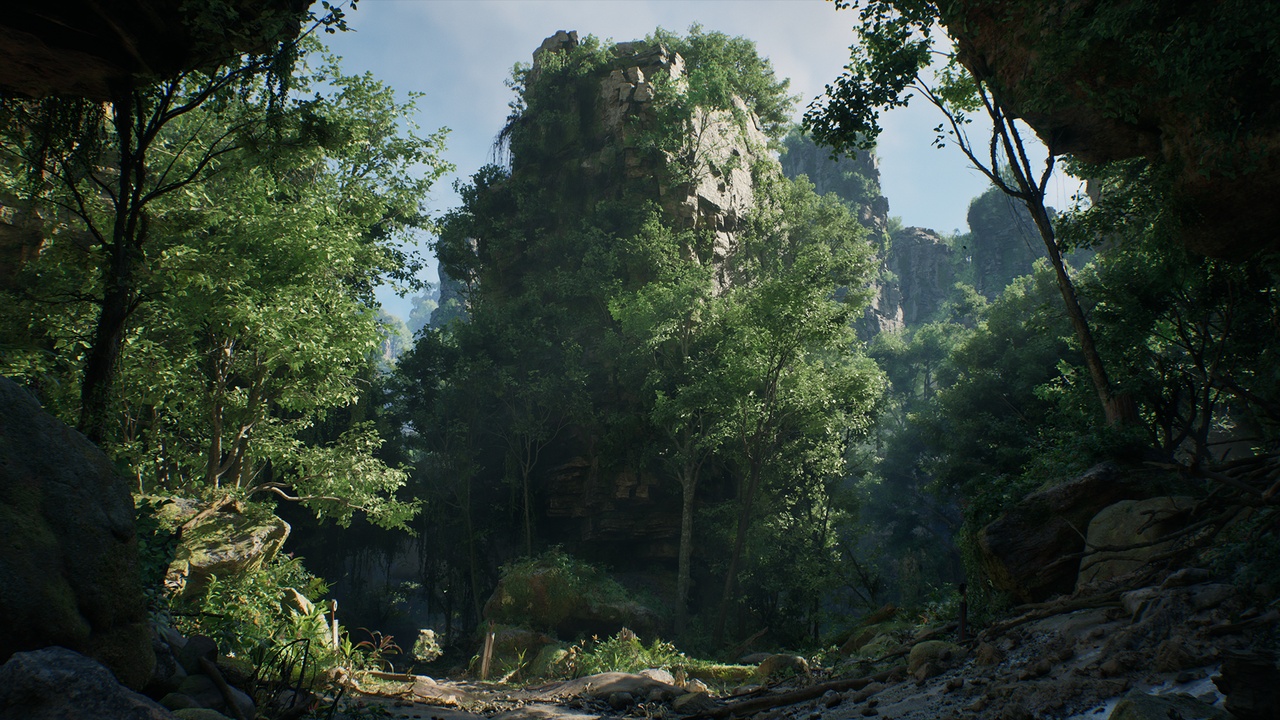
I integrated the Electric Dream PCG asset pack and manually adjusted its nodes to match the project's terrain and road generation rules:
- Restricted foliage generation height to a specific range
- Adjusted point placement logic to avoid spawning trees and large rocks on slopes
- Filtered road areas via landscape layers to prevent vegetation on roads
Final Outcome
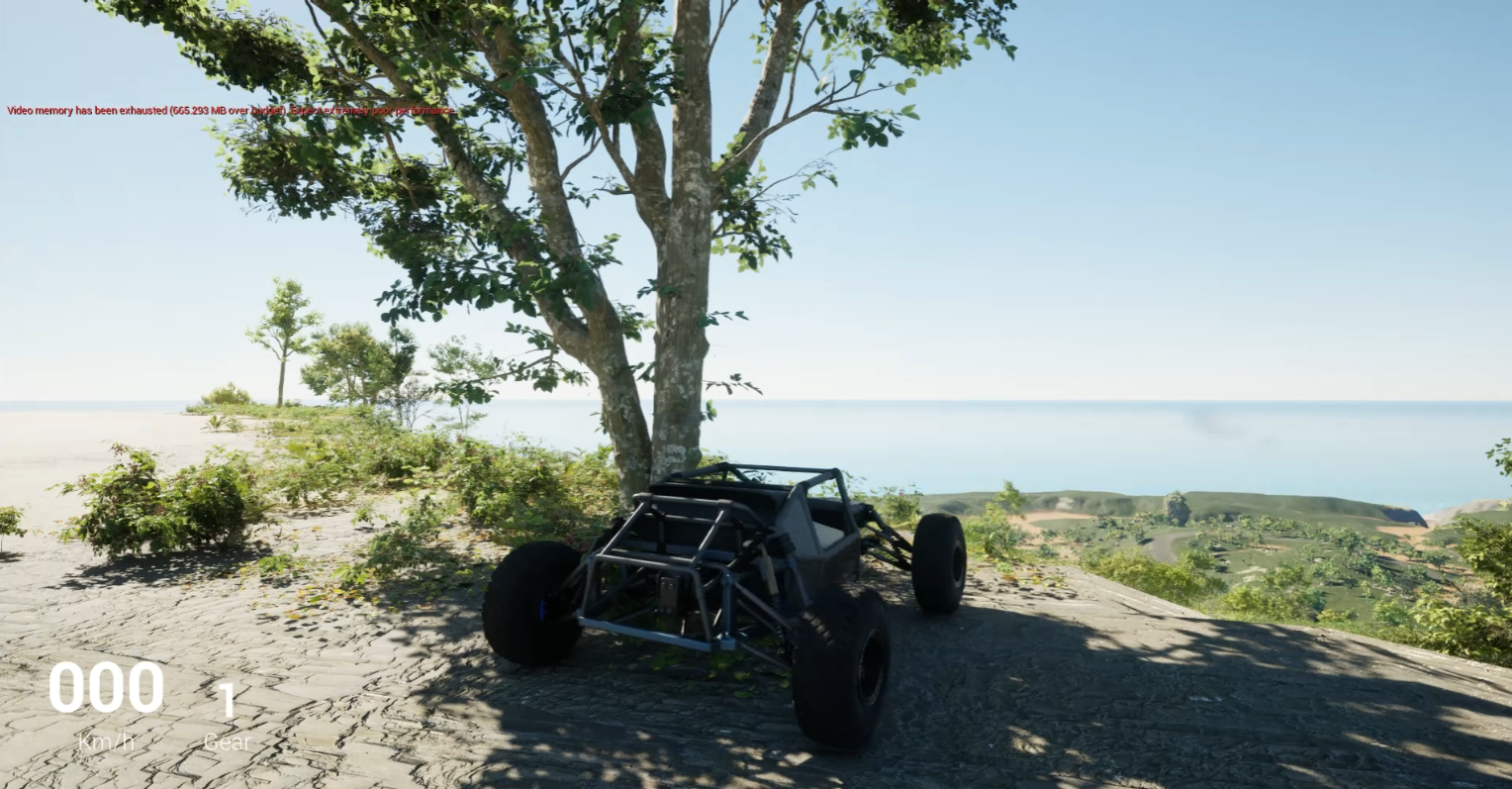
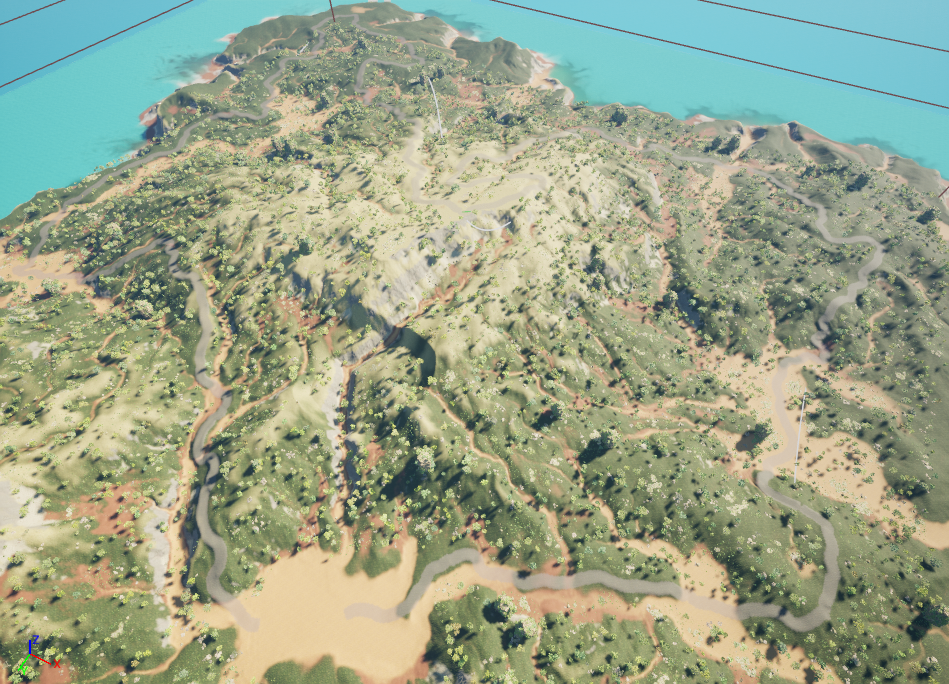
A complete "Houdini algorithm + UE editing tool" path generation pipeline that artists can adjust directly in-editor, demonstrated with UE's native racing system.